See the cut as it happens
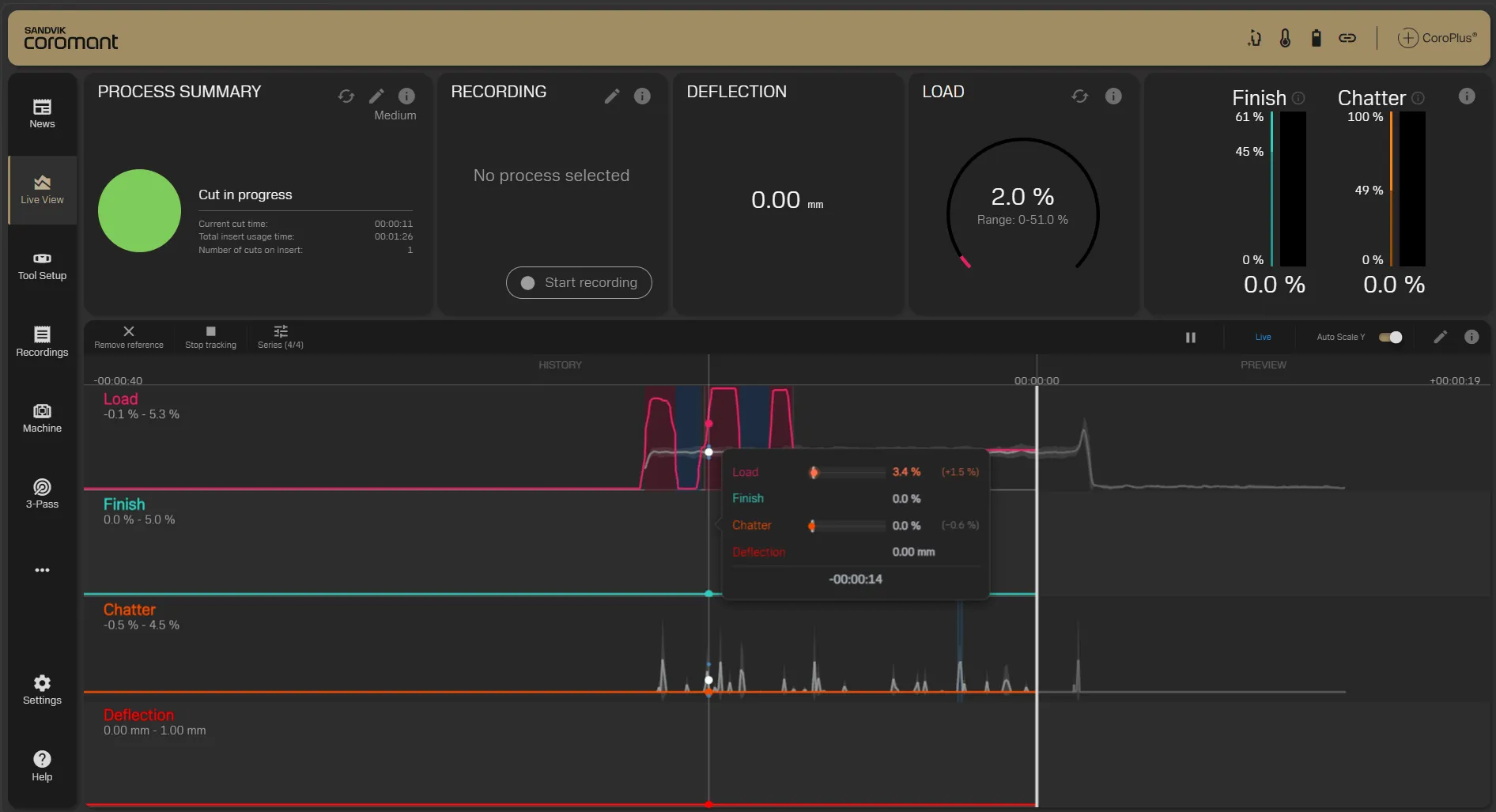
Load, vibration, surface chatter and deflection appear in real time on a tablet, a PC or the machine's own screen.
 close

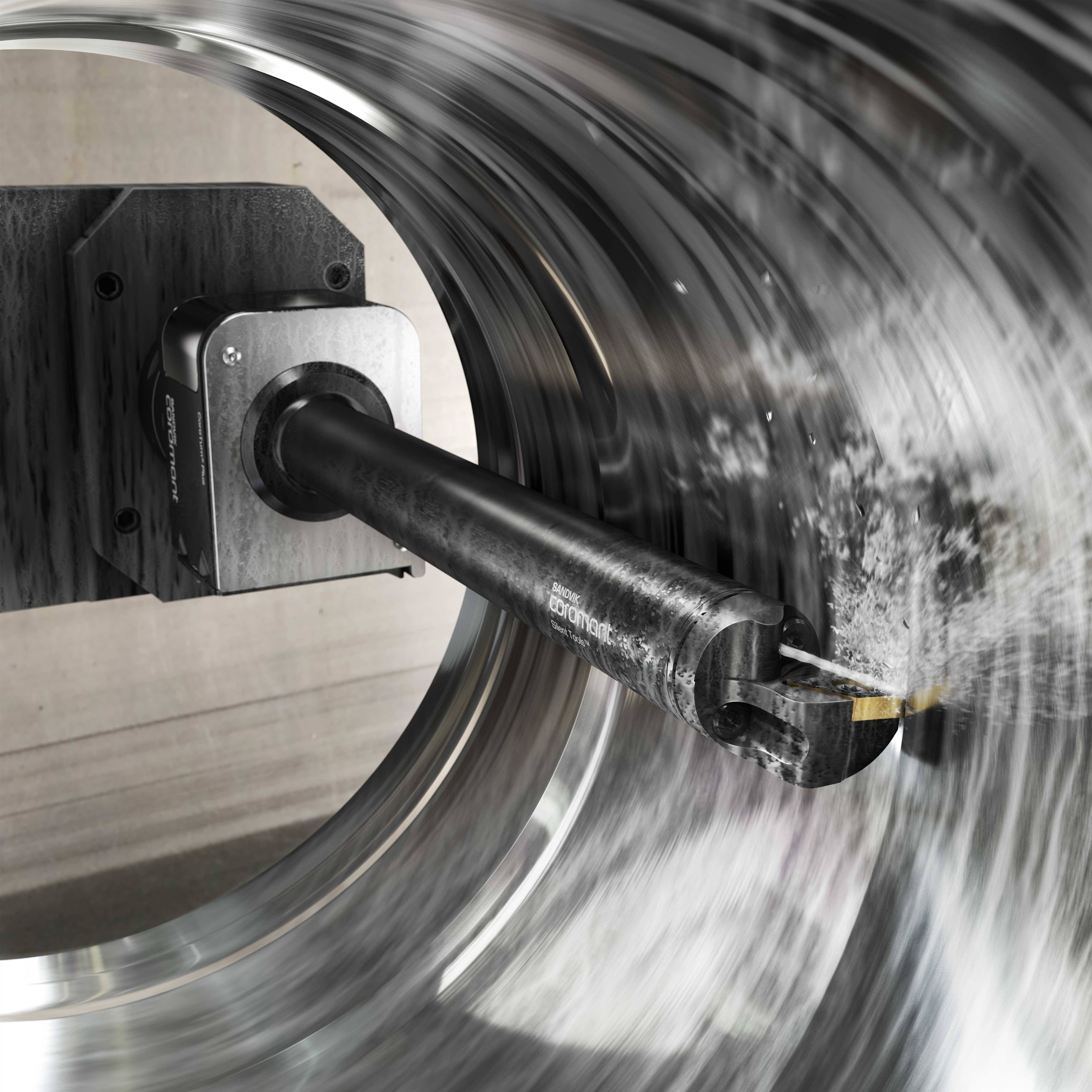
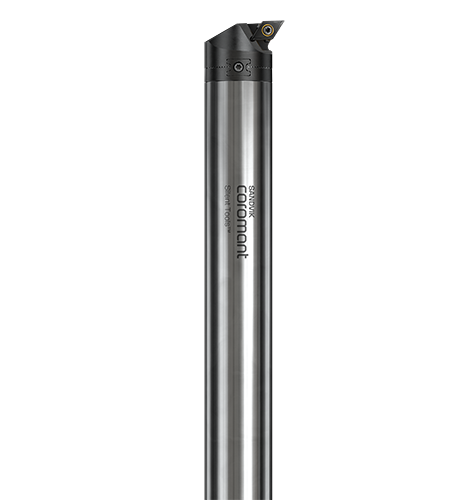
Internal turning at long overhangs has always meant working partly blind. Silent Tools™ Plus adaptors are damped boring bars with built-in sensors, so you can see the process while it happens. Available with cylindrical shank, Coromant Capto® and HSK-T couplings.
The sensors sit inside the boring bar, close to the cut. The damper suppresses vibration; the sensors tell you what is left. Each signal answers a different question about what is happening inside the bore.
| Process load | How hard the tool is working during the cut |
| Vibration | Early warning that the process is becoming unstable |
| Surface chatter | Whether the finished surface is at risk |
| Deflection | How far the tool is pushed out of position during the cut |
| In-cut status | Whether the tool is in cut, or the machine is running without cutting |
| Damper temperature | Whether the damping system is within its working temperature range |
Load, vibration, surface chatter and deflection appear in real time on a tablet, a PC or the machine's own screen.
Changes in load, vibration and material behaviour show up early, so you can step in before scrap, rework or a broken tool.
Saved cutting data supports deeper post-processing analysis, so you can improve existing and new processes.
Cutting insights help operators of all skill levels spot setup errors and improve decision-making.
The same sensors feed both. The difference is whether you read the data or the machine responds to it.
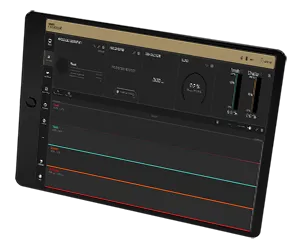
SEE THE PROCESS
Software on a tablet or PC, with no machine connection needed.
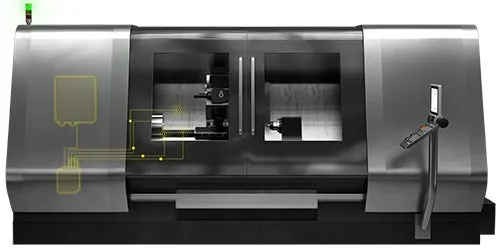
LET THE MACHINE ACT
Integrated into the machine's NC control, working to the limits you set.
The same software supports both Silent Tools™ Plus and CoroTurn® Plus.
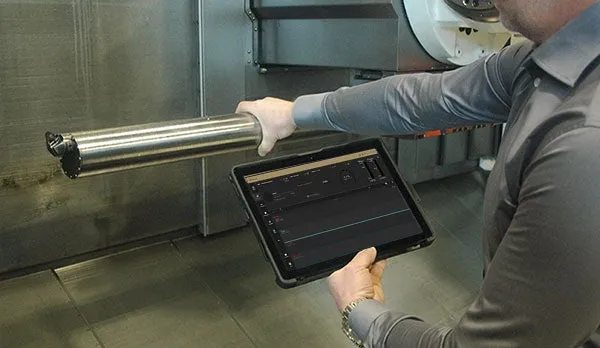
SET UP TOOL QUICKLY AND CORRECTLY
A properly mounted tool reduces the risk of undersized holes that require rework, and improves the cutting ability of the insert to ensure maximum tool life.
The Silent Tools™ Plus centre height indicator helps the operator set up the tool more quickly and more accurately.
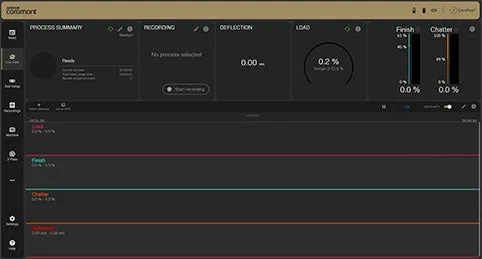
MANAGE TOOL LOAD DURING MACHINING
When cutting with a long slender bar, the visible bending may seem excessive, and it is easy to reduce cutting data, resulting in increased cycle time.
Knowing the actual load, you can stay within the acceptable load range of the tool, maintaining or even increasing material removal rates and productivity while reducing cost.
INCREASE AUTOMATION WITH MACHINE TOOL INTEGRATION
Silent Tools™ Plus provides automated load, vibration, deflection and temperature protection in CoroPlus® Connected-equipped machines. The sensorized cutting solution triggers mitigating actions through the machine interface when problems and deviations are detected.
Data-driven, automatic decisions support quality and reduce scrap and rework. Automation also reduces dependency on the operator, freeing up time and making unmanned operation possible.

CoroTurn® SL heads are available for turning and PrimeTurning™ across all material groups, at overhangs up to 10×d.
Materials
All ISO material groups, with particular value on high-value components where the process is worth monitoring closely.
Industries
Aerospace, oil and gas, energy, automotive and defence, where deep bores and high-value parts are common.
Components
Discs, casings, shafts, pumps and valves, and other deep bore and slender component work.
Silent Tools™ Plus adaptors are available with cylindrical shank, Coromant Capto® and HSK-T couplings. Specify the coupling that fits your machine when ordering.
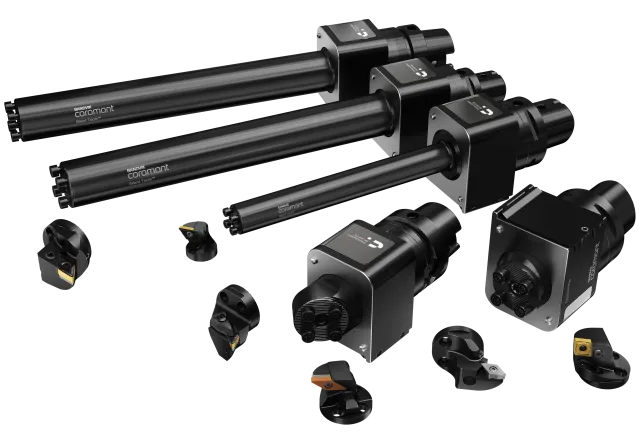
At the cutting end, the quick change interface between adaptor and cutting head is developed for easy handling and optimized machine utilization. It is designed to enable quick and accurate cutting head changes.
For machines and tool holders taking a cylindrical shank, in metric and inch sizes.
Metric
60, 80 and 100 mm · 10×d
Inch
2½, 3 and 4 inch · up to 10×d
Cutting head
Wedge Lock size 40
Overhang
546–1,016 mm
Right-hand and left-hand versions available.
For machines with a Coromant Capto® coupling.
C5, C6
SL25, SL32, SL40 · 6, 8 and 10×d
C8
SL40 · 10×d
For machines with an HSK-T coupling.
HSK-T63
SL32, SL40 · 8 and 10×d
HSK-T100
SL40 · 10×d
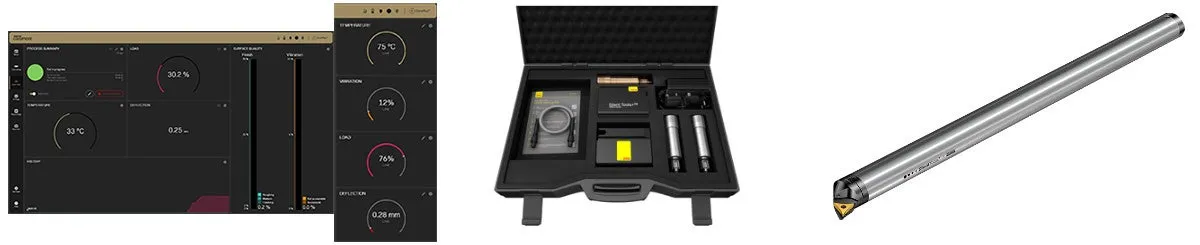
The Silent Tools™ Plus adaptor kit includes:
Regional products are available in special markets. See the availability map below.
Set up the tool
Unpack the Silent Tools™ Plus adaptor carefully. Before inserting the battery into the tool, connect it to the charger and allow it to charge to 100% to ensure optimal performance and battery longevity.
Note! Please read the instruction manuals for safety information and correct use of the equipment.
Download and install the software
Download and install the software on a device running Microsoft Windows 10/11 or newer.
For running the software as a dedicated server and client, use these installers:
Start using software
Find the Silent Tools Plus adaptor in the list of available tools and connect.
Software updates
Software updates are released regularly and are notified through the software when online. Always make sure you have the latest version installed.
Support and contact
Having trouble with the tool or the software?
The offer is available in the countries marked yellow on the map below.

Instruction manuals for Silent Tools Plus Generation 1
Download instruction manuals for Generation 1 Silent Tools Plus electronic units and turning adaptors.
Instruction manuals for Silent Tools Plus Generation 2
Download instruction manuals for Generation 2 Silent Tools Plus electronic units and turning adaptors, featuring updated models and specifications.
Other documents:

Use cutting data to detect deviations, compare processes, optimize run-in, and production quality.
The CoroTurn® Plus user interface supports both live monitoring and post-process analysis of cutting data. Cutting signals are recorded automatically during machining and stored as individual recordings, enabling comparison, anomaly detection and batch analysis.
This creates a consistent foundation for process understanding, optimization and quality control.
Use cutting data to support stable and efficient run-in of new components or processes.
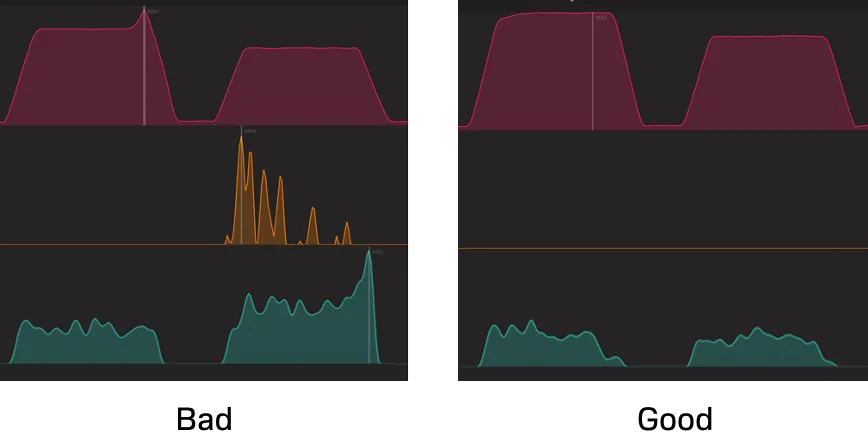
Compare cutting data across multiple runs to understand process behaviour and changes over time.
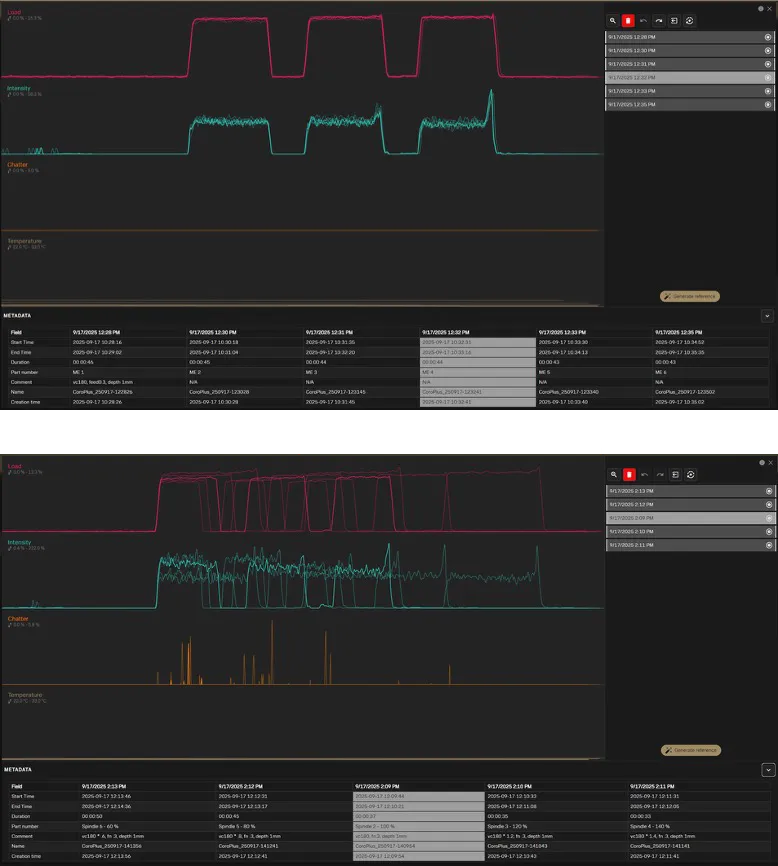
Automatically detect deviations to support process refinement and troubleshooting.
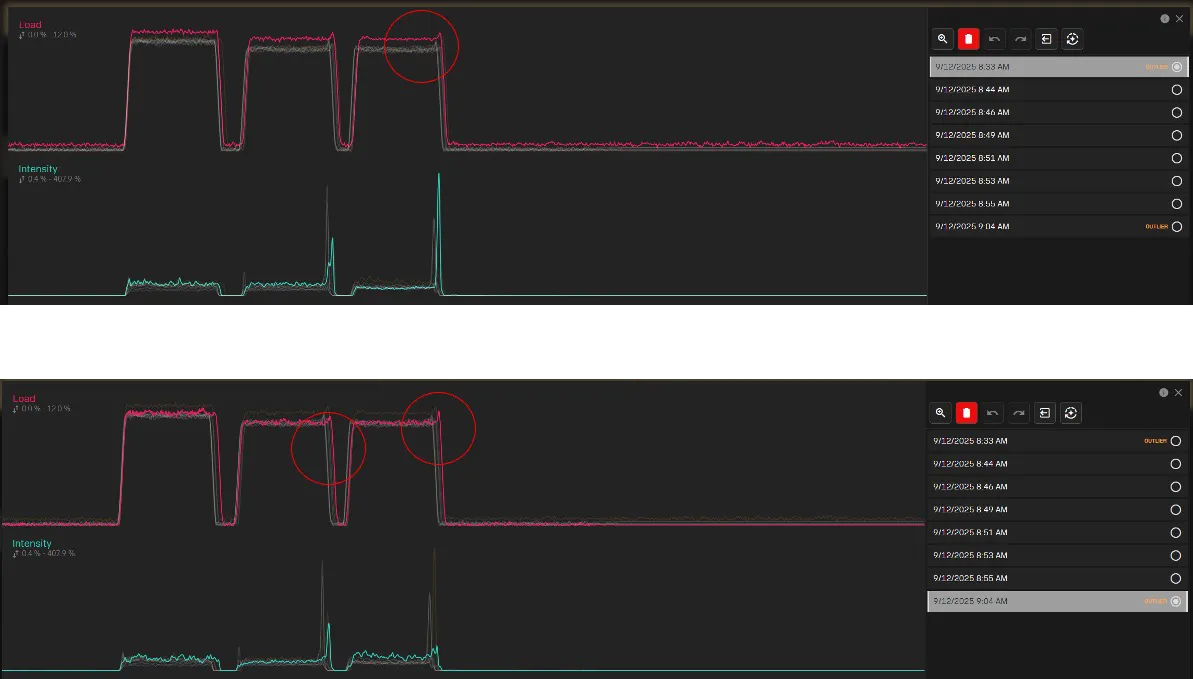
Create a reference process to standardize performance and support comparison.
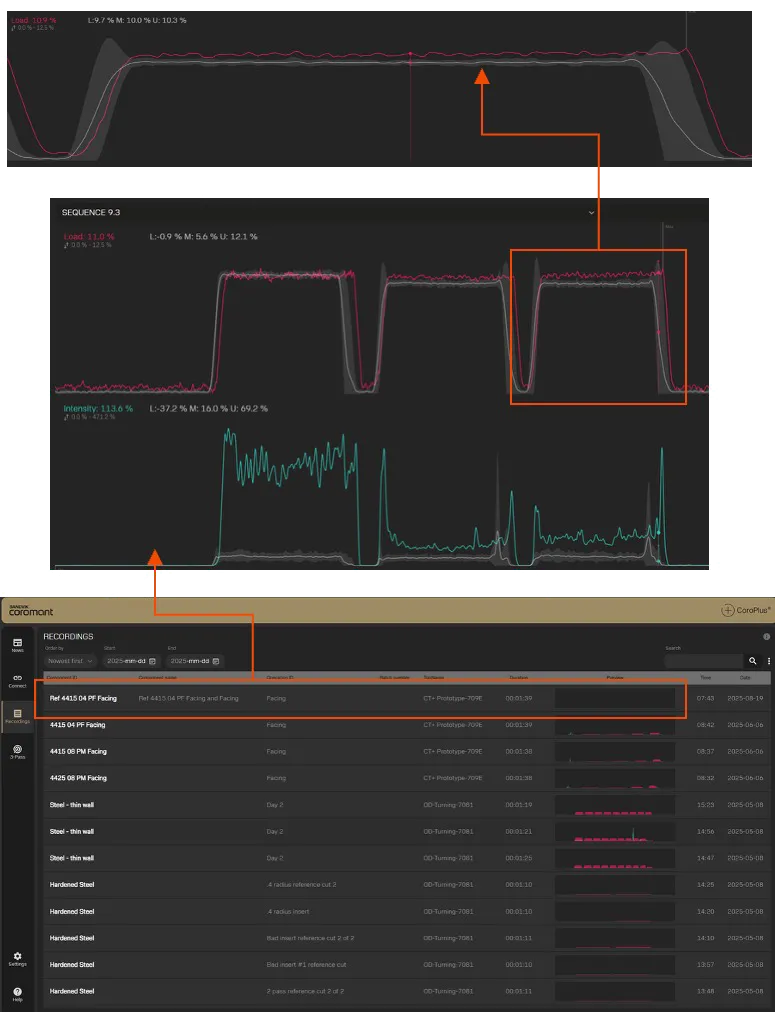
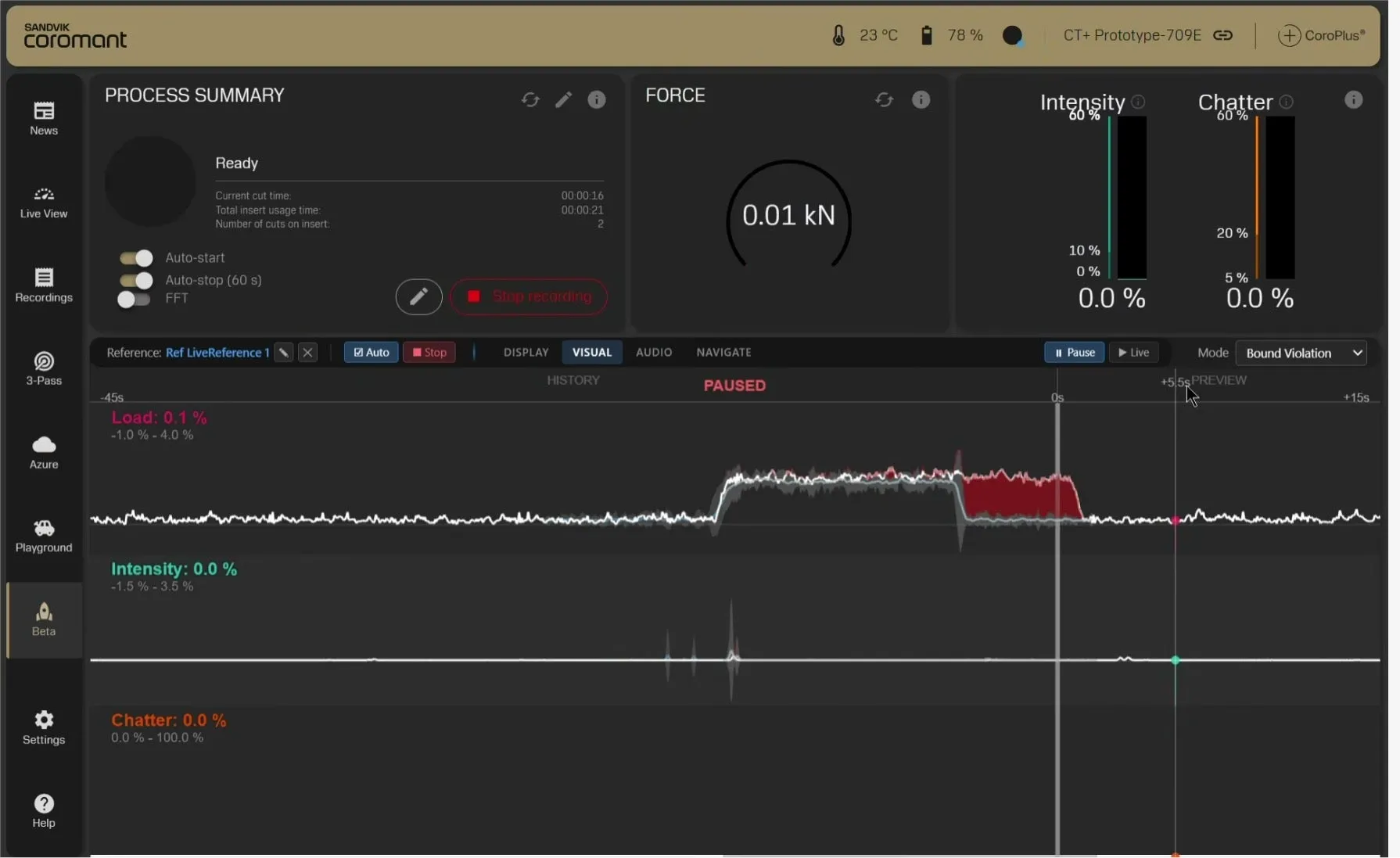
Compare current processes with a defined reference in real time.
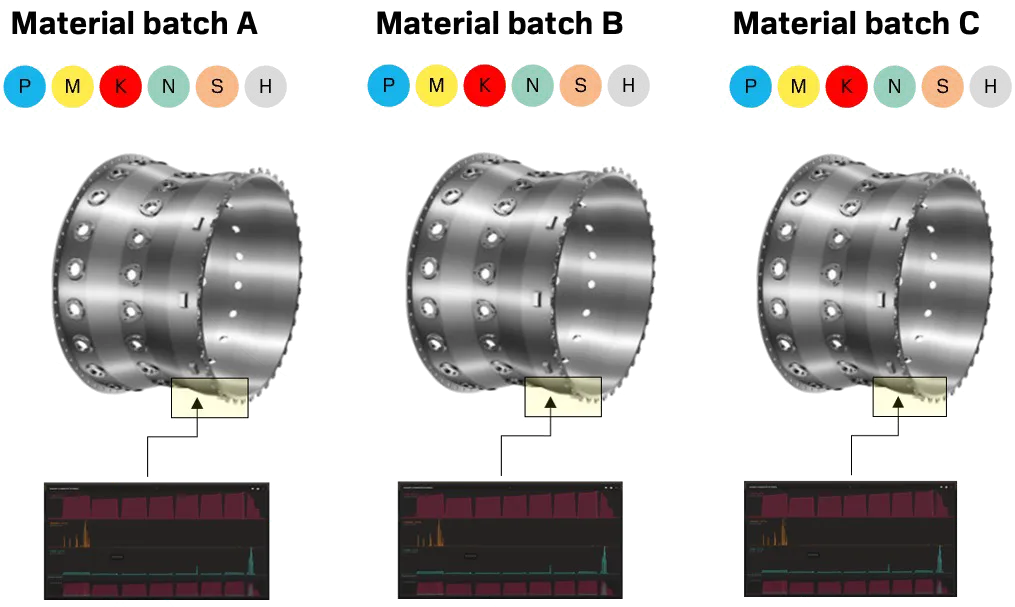
Use cutting data to ensure consistent quality across material batches.